 Lavalier
 Headset & Earset
 Handheld
 Instrument
 Pencil
 Shotgun
 Gooseneck
 Immersive
 Kits
Kits
 Receiver
 Bodypack Transmitter
 Handheld Transmitter
 Antennas
 Antenna Distribution
 Charger & Batteries
 Wisycom
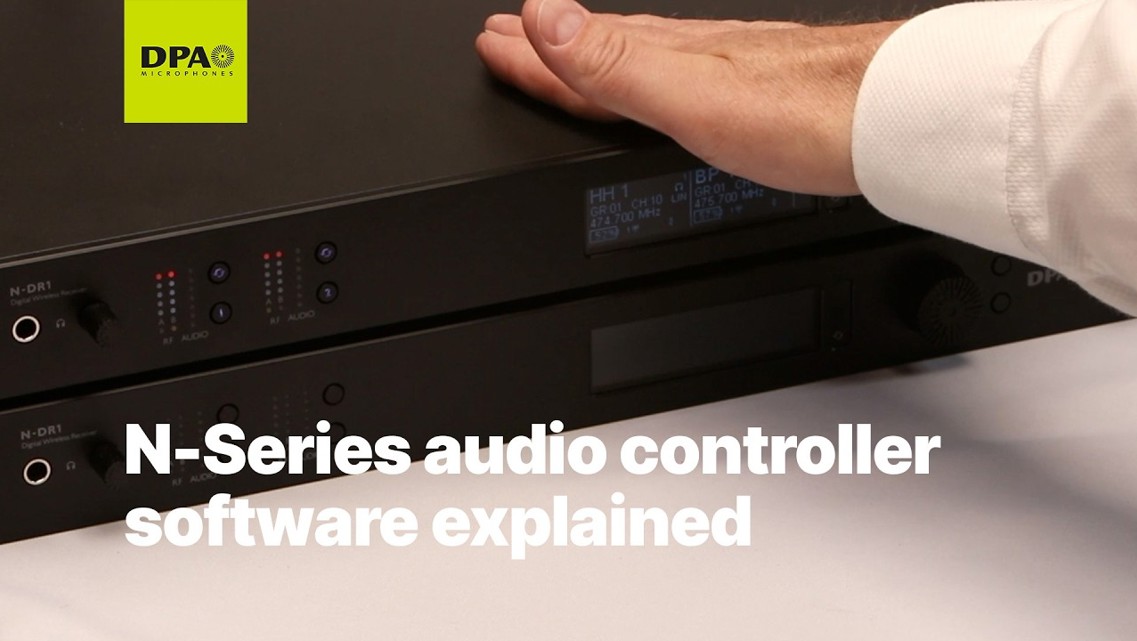
Getting started with the DPA Audio Controller
Learn how to set up projects, monitor channels, coordinate frequencies and update firmware in DPA Audio Controller for the N-Series wireless system.
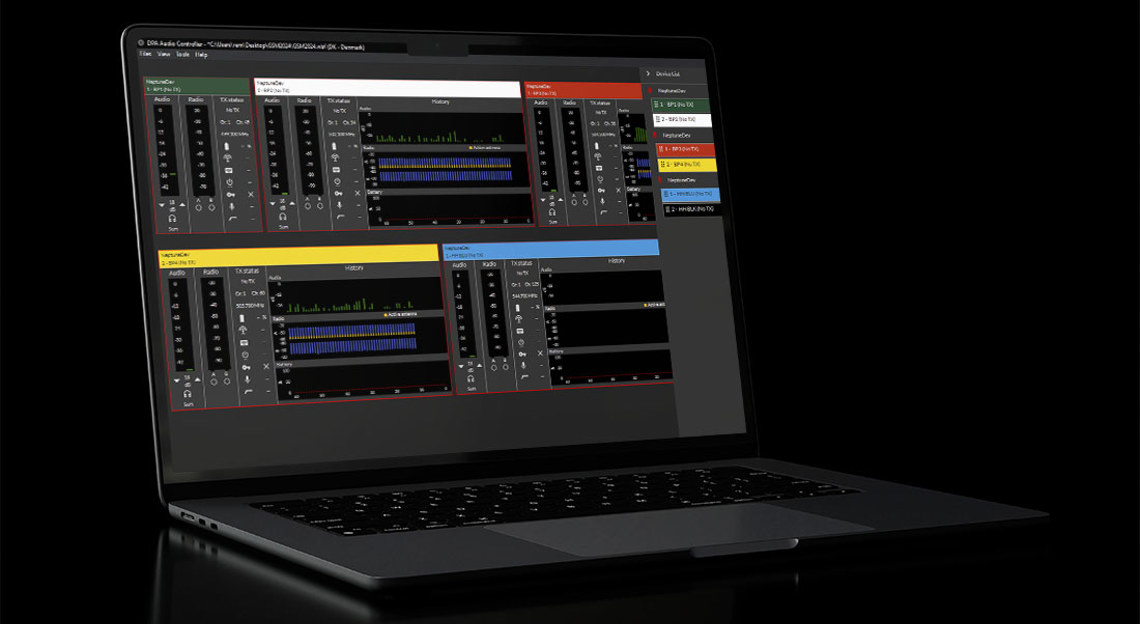
DPA Audio Controller is the desktop application for monitoring and managing the N-Series wireless system from DPA Microphones. Available for macOS and Windows, it gives you a live overview of every receiver and channel in your setup, from audio and RF levels to transmitter battery and lock status, and lets you plan and deploy frequencies without leaving your computer.
In this walkthrough, we take you through a complete workflow: creating a project, adding receivers, building a monitoring view, finding clean frequencies and keeping your system up to date. Whether you’re setting up for the first time or want to get more out of the frequency tools, this video covers what you need to know.
In this video
Starting a new project and choosing your region
Adding online and offline receivers in the device manager
Setting up the main screen with audio, radio, status and history panels
Scanning the RF environment and calculating frequencies in the frequency manager
Using include and exclude bands, calculation profiles and backup frequencies
Exporting a frequency report as a PDF
Reviewing events such as interference in the log manager
Updating firmware on receivers, transmitters and the charger